
How React Virtual DOM Works Under the Hood
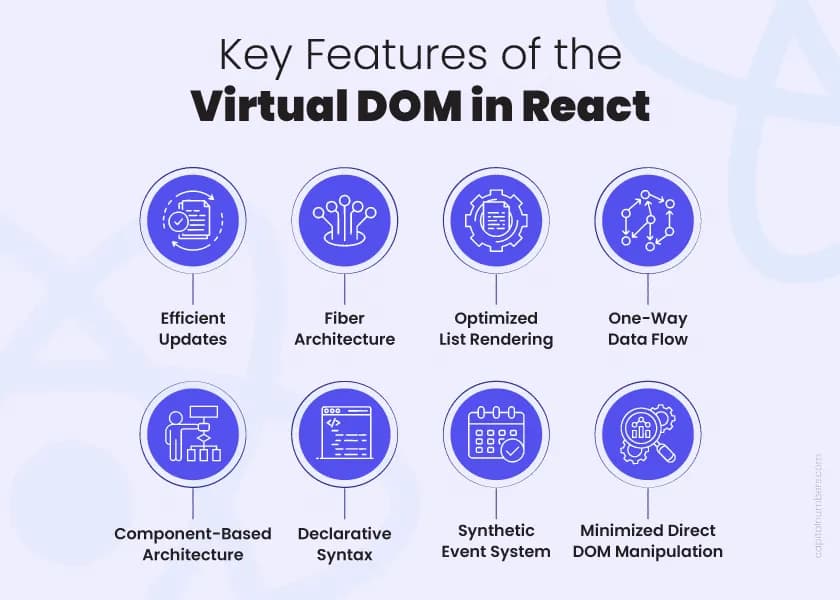
Modern web apps feel fast and responsive—but have you ever wondered how React makes UI updates so efficient?
The answer lies in one of React’s core ideas: Virtual DOM.
Let’s break it down step by step in a simple, practical way.
The Problem: Slow DOM Updates
The Real DOM (the actual browser DOM) is powerful—but it’s also slow to update.
Every time you :
Change content
Update styles
Add/remove elements
…the browser has to :
Recalculate styles
Reflow layout
Repaint the screen
Doing this frequently can hurt performance, especially in large applications.
Real DOM vs Virtual DOM
Real DOM
Actual UI rendered in the browser
Heavy and slow to update
Every change triggers re-rendering work
Virtual DOM
Lightweight JavaScript object (a copy of the Real DOM)
Stored in memory
Fast to create and update
Think of Virtual DOM as a blueprint of your UI, not the UI itself.
Initial Render in React
Real DOM
Actual UI rendered in the browser
Heavy and slow to update
Every change triggers re-rendering work
Virtual DOM
Lightweight JavaScript object (a copy of the Real DOM)
Stored in memory
Fast to create and update
What Happens When State or Props Change?
Whenever :
stateupdatespropschange
React does NOT directly update the Real DOM.
Instead, it follows a smart process :
Create a New Virtual DOM Tree
Diffing (Reconciliation)
Find Minimal Changes
Update the Real DOM
Why This Improves Performance
Instead of :
- Updating entire DOM repeatedly
React does :
Update only necessary parts (efficient)
Compare in memory (fast)
Result :
Faster UI updates
Better performance
Smoother user experience